Free Whole Foods Market - Grocery Store Receipt Generator
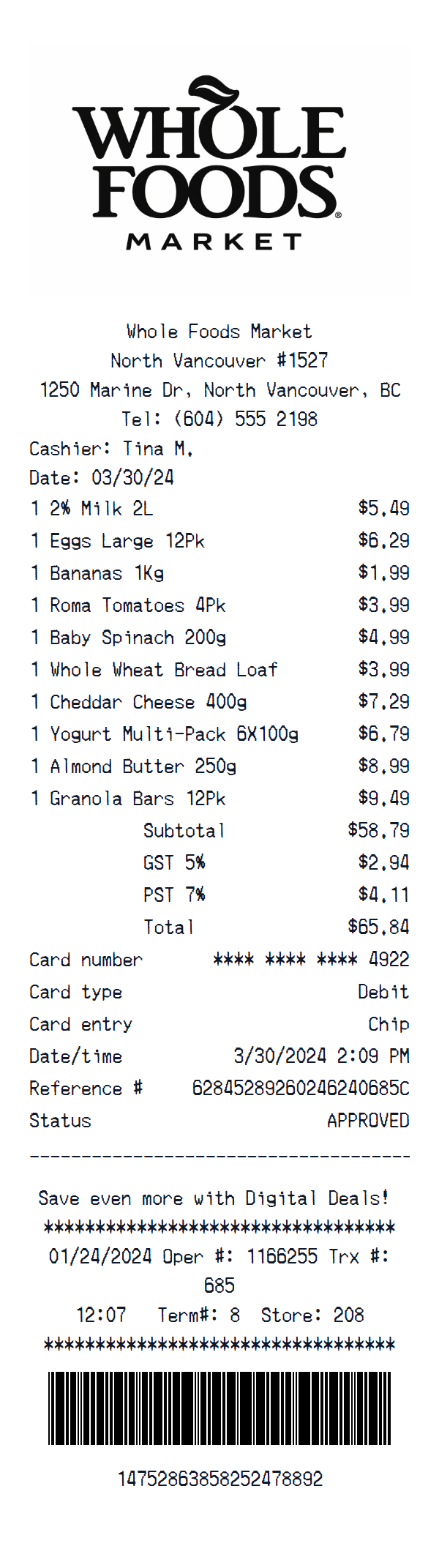
Pick the Whole Foods Market - Grocery Store template, tweak every line item and total to match what you need, and export a print-ready receipt in seconds.
About the Whole Foods Market - Grocery Store Receipt Template
Need a Whole Foods Market - Grocery Store receipt? Our free receipt maker provides a pixel-perfect Whole Foods Market - Grocery Store template that mirrors the real thing. Perfect for replacing lost receipts, creating business mockups, or producing educational materials. Sample items like "2% Milk 2L", "Eggs Large 12Pk", "Bananas 1Kg" are pre-filled to give you a head start, but every field is fully editable.
Payment details including card type, masked card number, approval code, and transaction reference are all customizable. This template includes a realistic barcode, the official store logo, date and time stamps, matching the authentic Whole Foods Market - Grocery Store receipt format. Edit store details, add or remove line items, adjust prices, and modify any transaction information to match your needs.
When you're satisfied with your receipt, download it instantly as a high-quality PNG image. No account required, no watermark on Pro plans, and unlimited generations. You can also use our AI Place in Scene feature to generate a realistic photo of your Whole Foods Market - Grocery Store receipt placed on any surface — a desk, countertop, or wallet — no printer needed.
Guide
How to make a Whole Foods Market - Grocery Store Receipt?
With our receipt maker create any bill as easy as 1, 2, 3.
1. Choose from 400+ templates
Choose from lots of different receipt templates or create your own from scratch.
2. Add your information
Easily edit all information including line items, prices, payment info, and more.
3. Export it for use
One click export to use it in your email or print it out.
Receipt Examples


Get a Whole Foods Market - Grocery Store Receipt Photo — No Printer Needed
Create a realistic photo of your Whole Foods Market - Grocery Store receipt on any surface — a desk, counter, or next to your purchase. Our AI-powered Place in Scene feature generates a photo that looks like you printed the receipt, without needing a receipt printer.
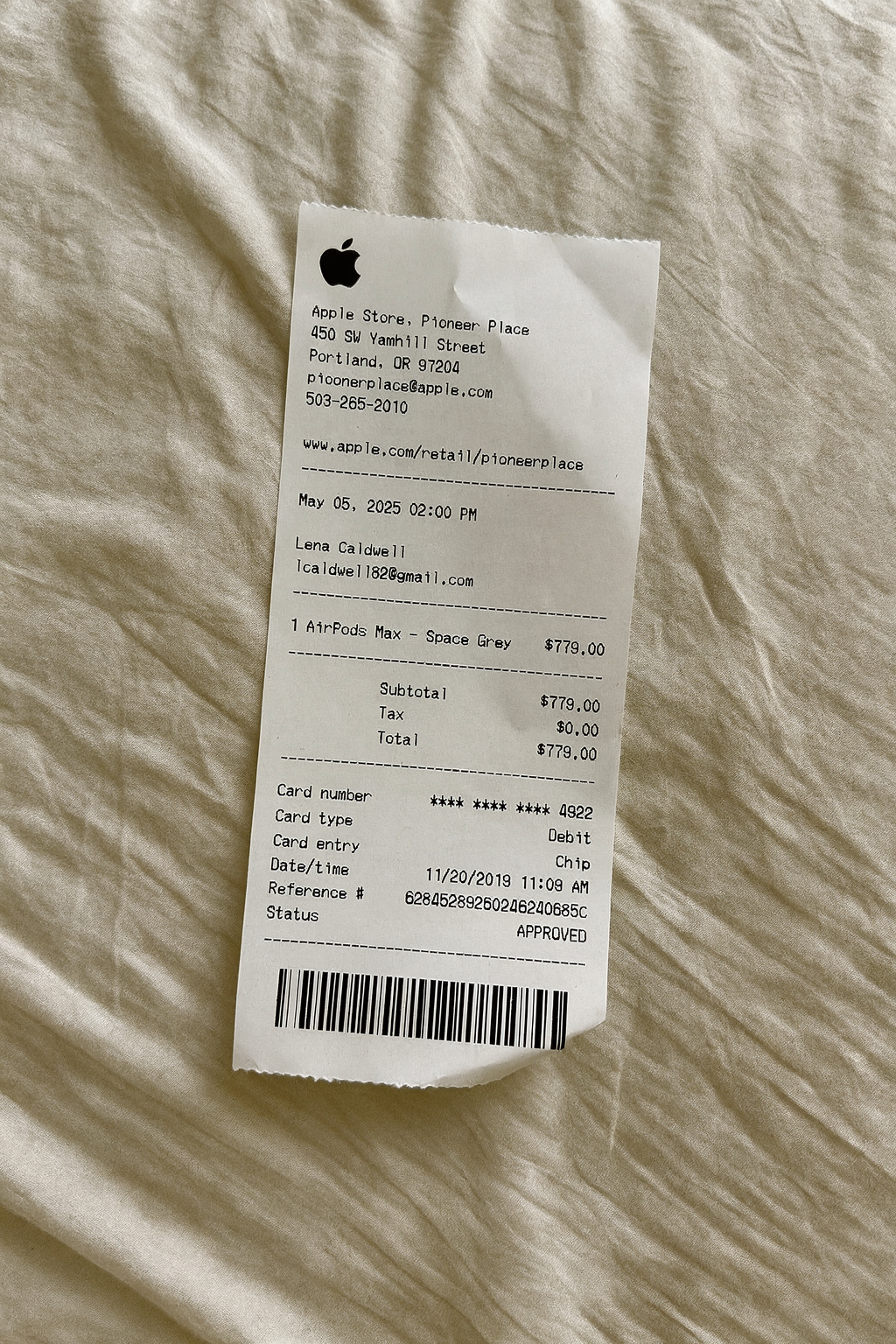
AI Place in Scene
Example outputSupport
Whole Foods Market - Grocery Store Receipt Generator FAQ
Common questions about creating Whole Foods Market - Grocery Store receipts.
Is the Whole Foods Market - Grocery Store receipt generator free?
How realistic are the Whole Foods Market - Grocery Store receipts?
Can I customize the items on my Whole Foods Market - Grocery Store receipt?
What payment methods can I show on a Whole Foods Market - Grocery Store receipt?
Can I add the Whole Foods Market - Grocery Store logo to my receipt?
Still have questions?
Can't find the answer you're looking for? Please reach out to our friendly team.
Get in touchSimilar Receipt Templates
Browse more receipt templates you might find useful.
Ready to create your Whole Foods Market - Grocery Store receipt?
It only takes a few seconds. No signup required.
Generate Whole Foods Market - Grocery Store Receipt